Where to Put Testimonials on Your Landing Page
Where to put testimonials on your landing page so they answer doubts at the right moment: seven spots, which quote and format suits each, and how many to use.
Edvin Åslund
Founder of Aboast
You've collected some great testimonials. Now they're sitting in a "What our customers say" section near the bottom of your landing page, three cards in a row, somewhere between the feature grid and the footer. Most visitors never scroll that far — and the ones who do have usually decided already.
Testimonials on a landing page work when they show up at the exact moment a visitor has a doubt. This guide covers where to put testimonials on your landing page, which kind of quote belongs in each spot, the best format for each, and how many is too many.
The one rule: put proof next to the doubt
Every section of a landing page makes a claim, and every claim raises a quiet question in the reader's head:
- "Turn customer love into your best sales tool" → Does this actually work?
- "Set up in five minutes" → Really? For someone like me?
- "$19 a month" → Is it worth it?
- "Start free" → What's the catch?
A testimonial placed right after the claim answers the question before the visitor leaves to look for an answer somewhere else. A testimonial placed in its own section at the bottom answers questions nobody is asking anymore.
7 places to put testimonials on a landing page
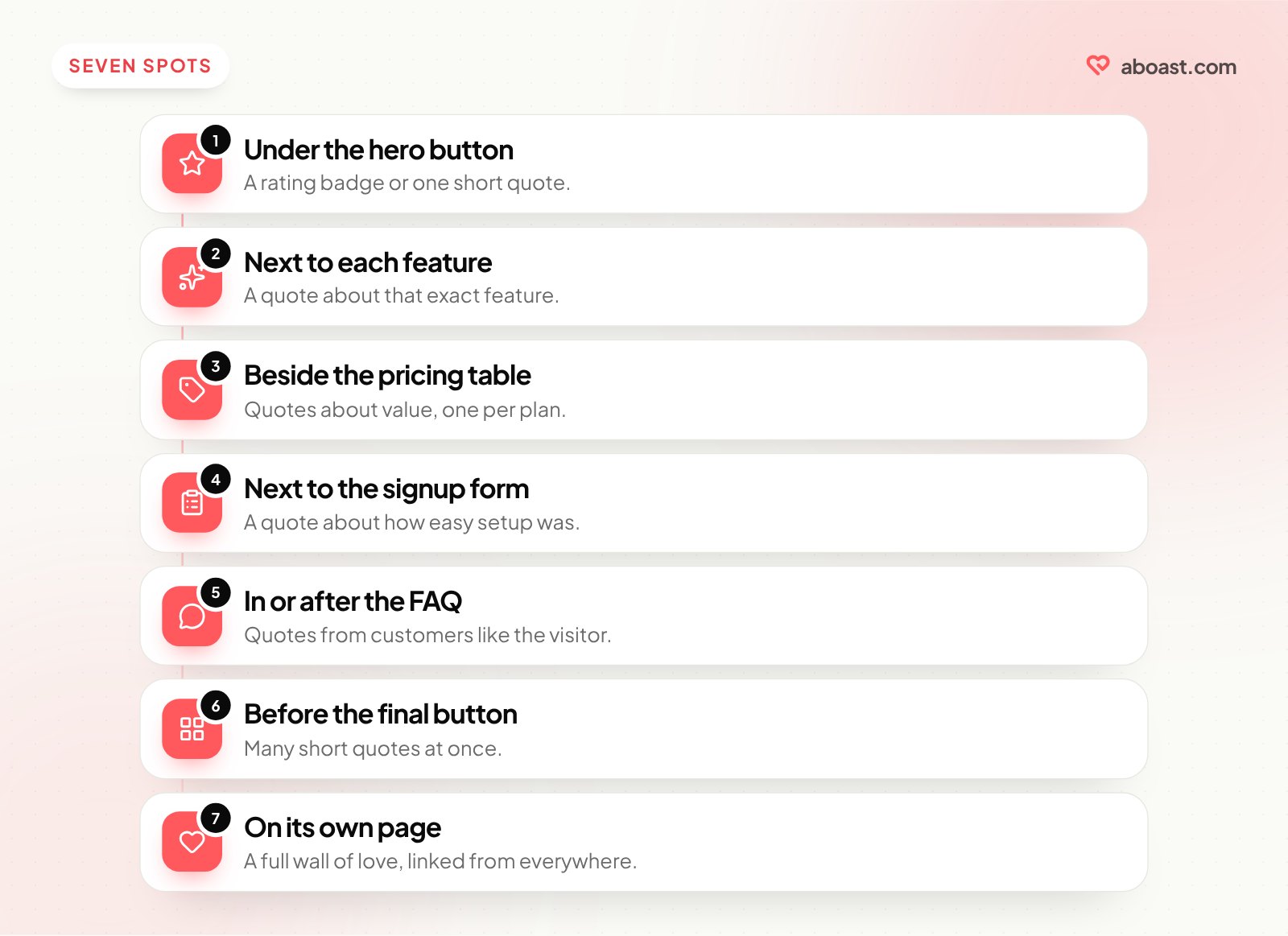
| Spot | The doubt it answers | Best quote | Best format |
|---|---|---|---|
| Under the hero CTA | "Is this legit?" | Short, broad praise from a recognizable customer | Star rating badge or one-line quote |
| Next to each feature | "Does this feature really help?" | A quote about that exact feature | Single quote with name and photo |
| Beside the pricing table | "Is it worth the money?" | "Was it worth it" or switcher quote | One quote per plan |
| Next to the signup form | "What's the catch?" | Quote about how easy setup was | Single short quote |
| In or after the FAQ | "Will it work for my situation?" | Quote from a customer like the visitor | List or small grid |
| Before the final CTA | "Is everyone else using this?" | Volume — many quotes at once | Grid, masonry or marquee |
| On a dedicated page | "Show me more" | Everything you're proud of | A full wall of love |
1. Under the hero call to action
The first screen has one job: earn a scroll. A small proof element right under your main button — an average star rating with a review count, a row of customer logos, or one short quote — tells the visitor other people already trust you. Keep it small. The headline is still the star here.
2. Next to each feature
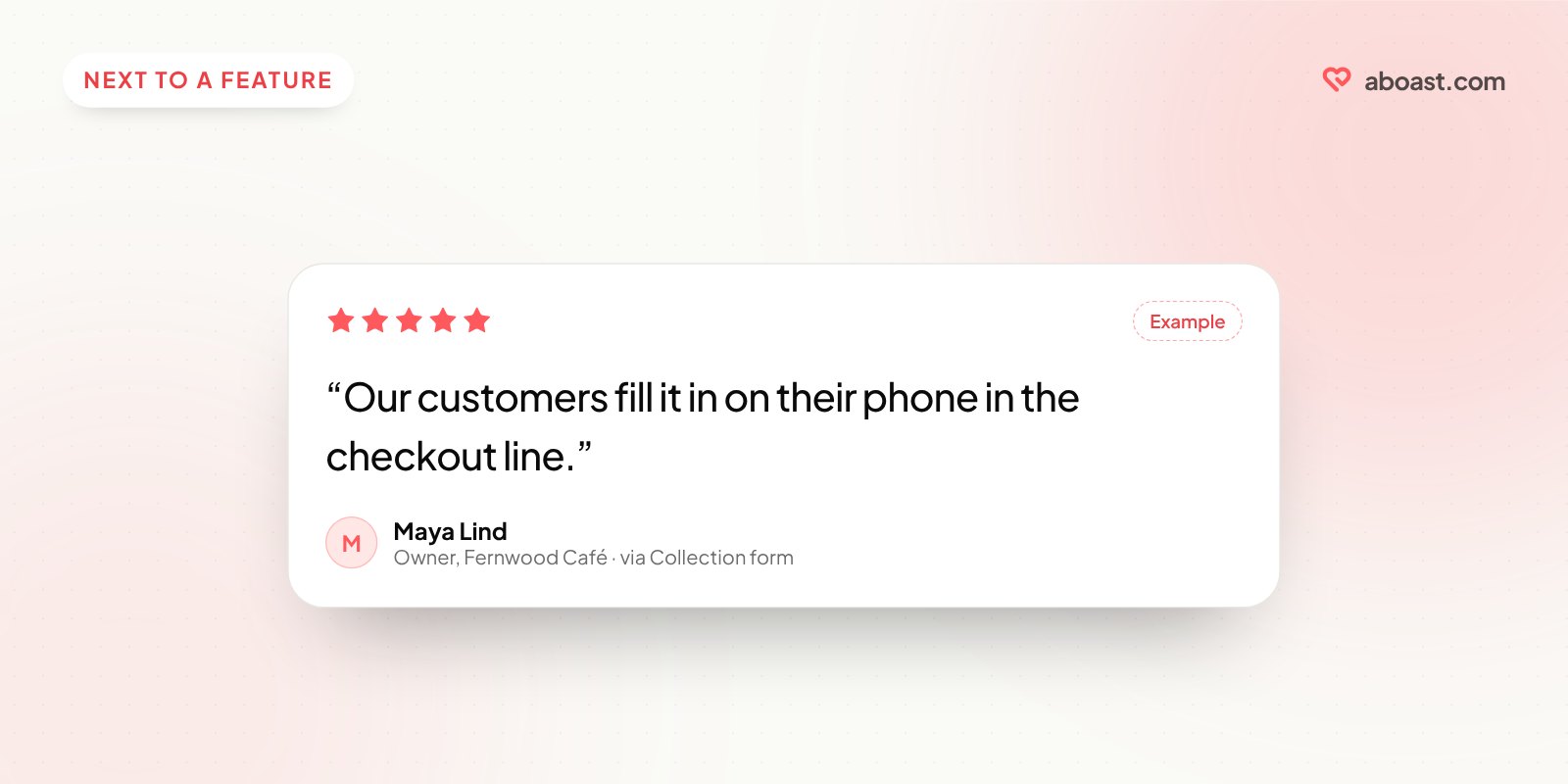
This is the most underused spot. If a feature section says "Collect testimonials in under a minute," put a customer quote right beside it that says something like "Our customers fill it in on their phone in the checkout line." A feature-matched quote turns your claim into someone else's experience.
3. Beside the pricing table
The pricing section is where visitors talk themselves out of buying. Quotes here should answer value questions, not praise features. "I almost picked the cheaper option, glad I didn't" does more here than "Great UI!" There's a full breakdown in pricing page testimonials: 12 patterns that work.
4. Next to the signup form
Right before someone types their email, the doubt is "what am I getting into?" A quote about how quick setup was, or how the free plan was enough to try things properly, lowers the stakes of clicking.
5. In or after the FAQ
Visitors who reach your FAQ have specific worries. Match testimonials to them: an agency quote near the agency question, a quote from a small team near the "is this overkill for us?" question.
6. Before the final call to action
By the bottom of the page, the visitor wants to know if they're alone in liking this. This is the one place where volume beats precision. A grid or scrolling marquee of many short quotes says "lots of people use this" at a glance.
7. On a dedicated page, linked from everywhere
Not every good testimonial fits on your landing page, and it shouldn't try. Put the full collection on its own page — often called a wall of love — and link to it from the bottom section, the pricing page and the footer.
How many testimonials per page?
More isn't automatically better. A rough guide:
- Hero: one proof element, not a carousel.
- Features: one quote per feature at most.
- Pricing: one per plan, or two or three for a single-plan page.
- Final section: as many as you like, in a compact grid or marquee.
If you only have a handful of testimonials, spread them across the doubt points rather than stacking them in one section. Three well-placed quotes beat ten in a row.
Pick the right format
| Format | Good for | Watch out for |
|---|---|---|
| Single quote | Features, pricing, signup | Needs a real name, role and ideally a photo |
| Star rating badge | Hero, near CTAs | Only if the number is real and current |
| Grid or masonry | Bottom of page, wall of love | Can feel like a wall of text if quotes are long |
| Carousel | Tight spaces | Most visitors only see the first slide |
| Marquee | Showing volume quickly | Hard to read closely; best with short quotes |
| Video | High-trust moments, big decisions | Page weight — load it only when clicked |
Not sure whether to use video at all? See video vs text testimonials.
Don't forget mobile
On a phone, side-by-side layouts stack. A quote that sat neatly beside your pricing table on desktop may end up three screens below it. Check each testimonial on a phone and make sure it still lands right after the claim it supports, not after the next section.
How a tool like aboast fits
Placing testimonials well means having different ones ready for different spots. In aboast you tag testimonials as they come in — "pricing," "setup," "agency" — and build a widget for each spot from just the ones you want. Each widget is a layout (grid, masonry, carousel, list, marquee, featured quote, a rating badge, or a slider with thumbnails) that you embed with one snippet. Change which quotes show and the widget updates on your site without a redeploy.
If you also have reviews on Google or Trustpilot, you can import them and use them in the same widgets — see how to embed Google reviews on your website.
Wrap-up
Where you put testimonials on your landing page matters more than how many you have. Find each doubt your page creates, put the quote that answers it right there, use volume only at the end, and send everyone who wants more to a full wall of love.