How to Ask for a Testimonial (With Examples to Copy)
How to ask for a testimonial without it feeling awkward: when to ask, where, the exact words to use by email, in-app and on a call, and what to do after a yes.
Edvin Åslund
Founder of Aboast
Asking for a testimonial feels awkward because it sounds like asking for a compliment. So most founders put it off, then send one vague "would you mind leaving us a review?" email to everyone at once, get two replies, and decide customers don't do testimonials.
They do. You just have to ask the right person, at the right moment, in a way that takes them a minute instead of twenty. This guide covers how to ask for a testimonial step by step: when to ask, where to ask, the exact wording for each channel, and what to do once someone says yes.
The short version
If you only read one section, read this one. A good testimonial request has five parts:
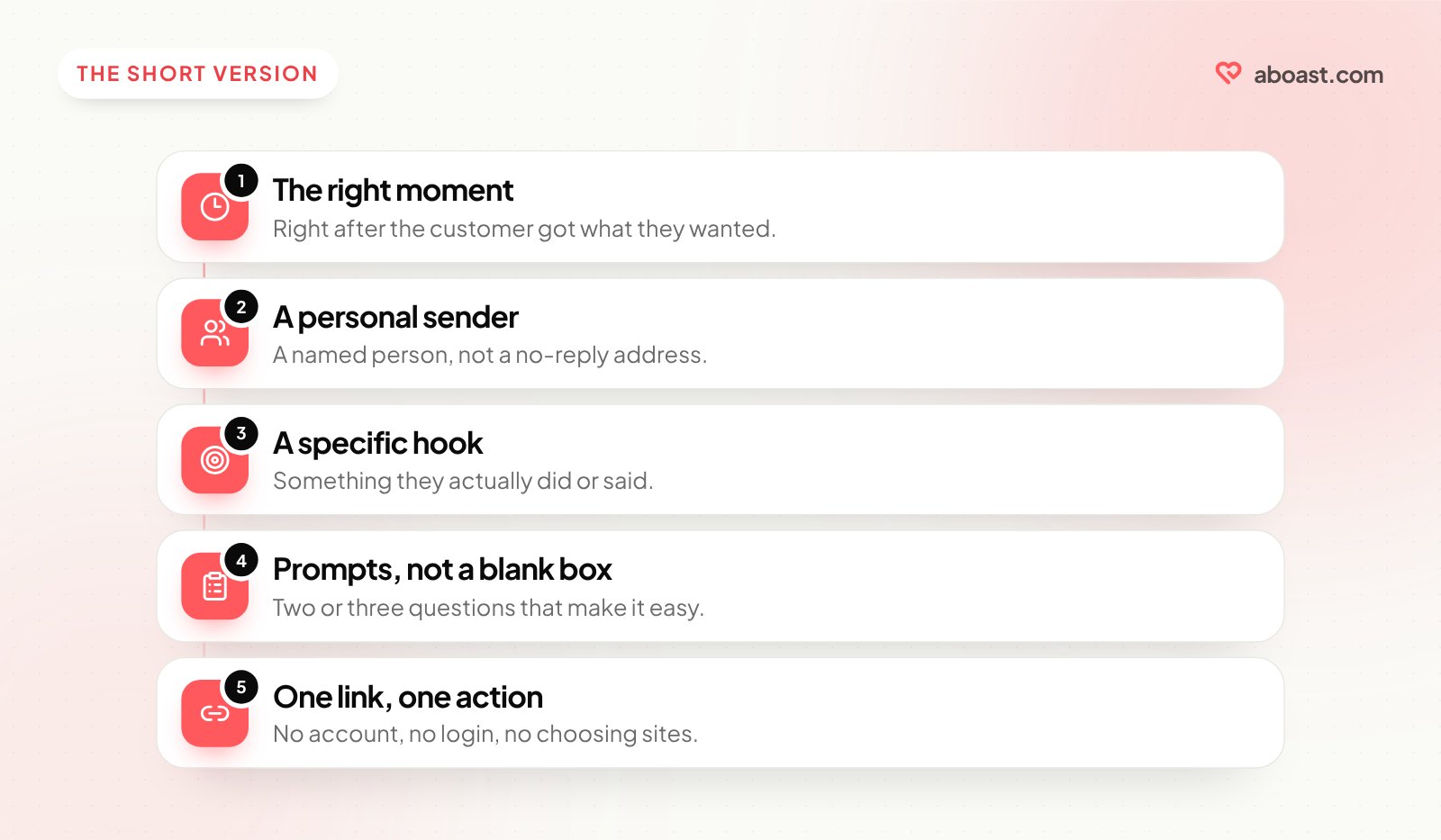
- The right moment — right after the customer got something they wanted.
- A personal sender — a named person, not a no-reply address.
- A specific hook — something they actually did or said.
- Prompts, not a blank box — two or three questions that make the answer easy.
- One link, one action — no account, no login, no choosing between three review sites.
Everything below is detail on those five.
When to ask for a testimonial
The best time is the moment the customer feels the value of what they paid for. That's when they have something specific to say, and saying it feels natural rather than like homework.
| Moment | Why it works | Example hook |
|---|---|---|
| Trial converts to paid | They just decided you're worth money | "What made you decide to upgrade?" |
| First real result | The value is concrete and fresh | "You just published your first report — how did it go?" |
| A happy support ending | Goodwill is at its peak | "Glad that's sorted! Mind if I ask one thing?" |
| Renewal or upgrade | They chose you again | "Thanks for sticking with us another year." |
| They praise you unprompted | The testimonial already exists | "Can I quote you on that?" |
The worst time is "30 days after signup" for everyone, regardless of what happened in those 30 days. Some of those people haven't logged in since day two.
Where to ask: pick the channel that fits the moment
You don't have to ask by email. The best channel is usually the one where the happy moment just happened.
- Email works for milestones and conversions you can trigger automatically.
- In the app works right after the customer completes something — a small banner or message with your link.
- On a call works when the customer has just said something nice out loud. Ask then and there.
- In chat, Slack or a support thread works when they thank you. Reply in the same thread.
- A direct message on LinkedIn or X works for customers who already talk about you in public.
How to ask for a testimonial, step by step
1. Make the ask about them, not you
"We're collecting testimonials for our website" is about you. "You just hit your first 1,000 subscribers — what's changed since you started?" is about them. People answer the second kind of question because it's interesting to answer.
2. Give them prompts instead of a blank box
A blank "share your experience" box makes the customer decide what to say, how long to make it and how formal to sound. Three short prompts take all of that away:
- What were you trying to solve before you found us?
- What's different now?
- Who would you recommend us to?
Answers to those three questions read like a story with a before and an after, which is what makes a testimonial convincing. There are more prompts in testimonial questions to ask customers.
3. Say where it will appear
Customers are more comfortable when they know what happens next. "We'd love to put a line or two on our website, with your name and company" is clear. It's also the honest way to get permission.
4. Make it a single click
One link to a short form. No account to create, no login, no "leave us a review on G2, Capterra or Trustpilot" with three links to choose from. Every extra step loses people.
5. Follow up once, then stop
If there's no reply after 4–7 days, send one short nudge. After that, let it go. Two asks is persistence; three is pressure.
Examples you can copy
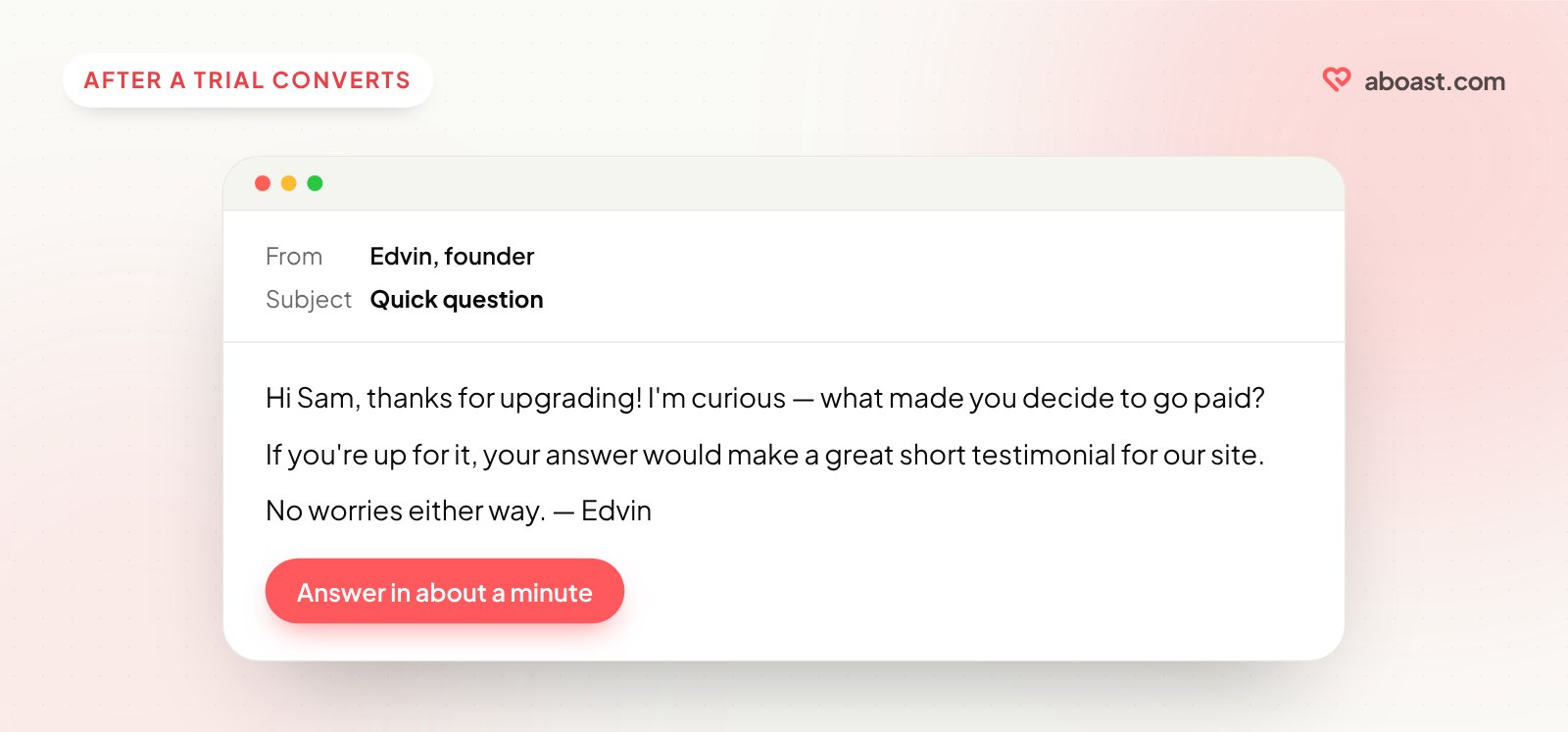
After a trial converts (email):
Subject: Quick question
Hi [Name], thanks for upgrading! I'm curious — what made you decide to go paid?
If you're up for it, your answer would make a great short testimonial for our site. Takes about a minute: [link]
No worries either way. — [Your name]
After a result (in-app message):
Nice — your first [report/campaign/launch] is live! 🎉 Got a minute to tell us how it went? [Share your experience]
When they thank you in support or chat:
So glad that worked! Would you mind if I used what you just said as a testimonial on our site? I can send you the exact wording first.
When they praise you in public:
Thank you for the shout-out! Could we feature this on our website with your name and title? Happy to send you a preview.
At the end of a call:
"That's really nice to hear — would you be okay with me sending a quick form so we can quote you? Two or three questions, a minute at most."
The follow-up:
Hi [Name] — just bumping this in case it got buried. Same link: [link]. Totally fine if now's not a good time.
More email versions are in testimonial collection email templates for SaaS.
When someone says yes
Once you have the testimonial, a few rules keep it honest and useful:
- Edit lightly. Fix typos and trim length, but don't change the meaning or add claims the customer didn't make.
- Get approval for edits. If you shortened a long message into a two-line quote, send it back and ask "Does this still sound like you?"
- Ask for a name, role and company. A quote with a real name and job title is far more believable than "— Happy customer."
- Keep a record of the permission. A form submission or an email reply saying yes is enough.
If you offer something in return — a discount, a free month, a gift card — be careful. In the US, the FTC's rules say any incentive should be disclosed next to the testimonial, and you can't make a reward depend on the review being positive. Other countries have similar consumer rules, so check what applies where you sell.
Mistakes that make people say no
- Asking everyone at once. A blast to your whole list reaches people who haven't had a win yet.
- Asking too early. A customer on day two doesn't have a result to describe.
- Asking for too much. A testimonial, a G2 review and a case study call in one email.
- Sending from no-reply. It tells the customer you're not listening for an answer.
- Making them write from scratch. Prompts beat a blank box every time.
Making it repeatable with a tool like aboast
Asking well is easy once. Doing it every week is where most teams drop off. A tool like aboast gives you a collection form with your own questions and a link you can drop into any email, in-app message or chat reply. Customers answer, give a star rating and their name, and the testimonial lands in one inbox where you approve it — or set the form to auto-publish.
When a customer praises you somewhere else — a Slack message, an email, a call — you can add that testimonial by hand so everything lives in one place. Then show the best ones on your site with an embeddable widget. Where to put testimonials on your landing page covers which ones go where.
Wrap-up
Knowing how to ask for a testimonial comes down to respect for the customer's time. Ask when they've just had a win, ask as a person, give them prompts, make it one click, follow up once. Do that consistently and testimonials stop being a quarterly scramble and start arriving on their own.