Testimonial Request Emails That Actually Get Replies
Most testimonial request emails fail before they're even read. Here's how to reduce friction at every step so customers say yes without thinking twice.
Edvin Åslund
Founder of Aboast
You send a testimonial request email. The customer opens it, reads it, thinks "yeah, I should do this" — and then closes the tab. Not because they don't like you. Because you made it feel like a task. That's the whole problem with most testimonial requests: they ask for effort without making effort easy.
Friction is invisible. It doesn't look like a broken form or a confusing CTA. It looks like a vague ask, a five-step process, or a blank text box that says "tell us what you think." Every extra second of thinking is a reason to close the tab. Here's how to remove those reasons, one by one.
Timing Is the Biggest Friction Point Nobody Talks About
Send the request too early and the customer has nothing meaningful to say. Send it too late and the excitement has faded. The sweet spot is right after a moment of delight — not "30 days after signup" on a timer.
What counts as a moment of delight? It depends on your product, but these are the most reliable triggers:
- Trial-to-paid conversion — they just committed real money
- First meaningful outcome — their first export, first publish, first successful run
- Renewal or upgrade — they chose to stay and pay more
- Support ticket resolved happily — they ended the conversation with a thank you
When you catch someone at one of these moments, you're not interrupting them. You're extending a conversation they're already having in their head. The email feels natural instead of transactional.
Your Subject Line Should Feel Personal, Not Promotional
Most testimonial request emails die in the inbox. The subject line is the gate. "Can I ask you a quick favor?" sounds like a person; "Share your feedback with us" sounds like a marketing department. People open emails from people.
A few subject lines that work well in practice:
- "Quick question about your experience" — low stakes, curious tone
- "Mind if I share what you said?" — implies they already said something good
- "[First name], how's [product] working for you?" — personal, open-ended
- "You mentioned [specific thing] — can I quote you?" — works after a support win
Notice none of these say "testimonial" or "review." Those words signal work. You want the email to feel like a conversation starter, not a form submission request.
The Body Copy: Short, Specific, One Ask
Here's where most testimonial request emails collapse. They explain too much. They apologize for asking. They give three different options. They include a paragraph about how much the feedback means to the team.
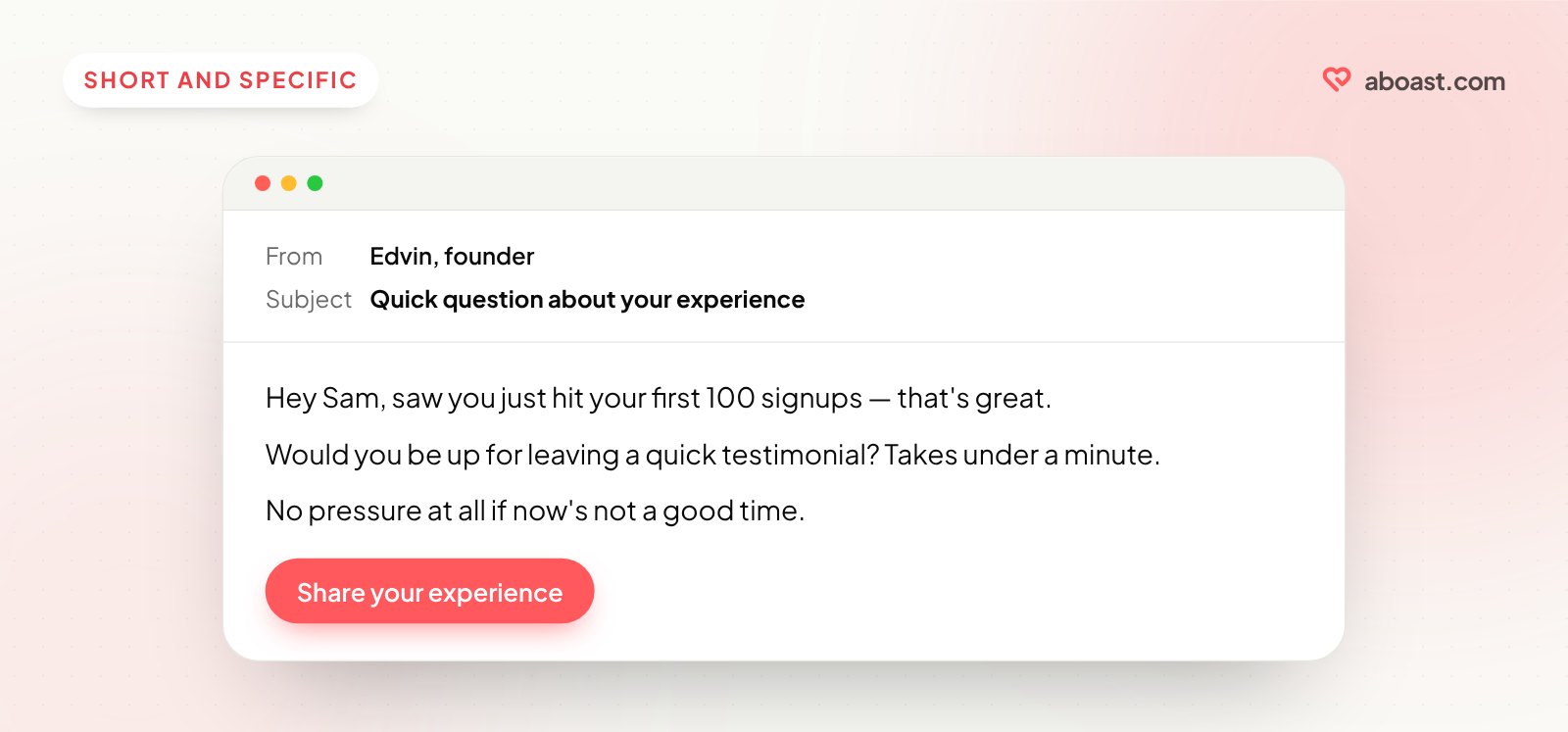
Cut all of it. Three sentences and a link is enough. Something like:
Hey [Name], saw you just hit your first 100 signups using [product] — that's great.
Would you be up for leaving a quick testimonial? Takes under a minute: [link]
No pressure at all if now's not a good time.
Notice what's in there: a specific reference to something they did, a time estimate ("under a minute"), a single link, and a low-pressure out. The low-pressure out matters more than it looks — it removes the guilt of saying no, and guilt is often what makes people put an email off until it's forgotten.
The specific reference is critical. "I saw you just..." or "You mentioned..." proves you're paying attention. A generic "we'd love your feedback" tells them you're sending this to everyone. Which you are — but they shouldn't feel that.
Testimonial Request Emails Work Best With a Frictionless Landing Page
The email gets them to click. What happens after the click determines whether you actually get the testimonial. Plenty of people drop off because the destination is wrong — a generic survey, a review site that requires account creation, or a blank form with no guidance.
This is where a tool like aboast makes a real difference. Instead of sending customers to a third-party review site or a Google Form, you send them to a collection page built for one job: a few short questions, a star rating, their name. No account needed. No login. No confusion about where to start.
The questions do the thinking for them. A blank box asks the customer to decide what to say, how long to make it and what you'll do with it. A prompt like "What were you trying to solve, and what happened after you started using [product]?" gives them a structure to follow — and gives you an answer with a before and an after in it.
With aboast, you write those prompts once per form (each field's label and placeholder are yours), and every customer who clicks your link sees them. You're not relying on them to figure out what to say.
For a full list of prompts that work, see testimonial questions to ask customers.
The Follow-Up: One Nudge, Done Right
Most people who don't reply aren't saying no. They're saying "not right now." A single follow-up, sent 4–5 days later, often gets the reply the first email didn't.
The follow-up should be even shorter than the original. Don't re-explain everything. Just surface the link again with a light touch:
Hey [Name], just bumping this in case it got buried. Still happy to hear how things are going — same link: [link]
Either way, hope [product] is treating you well.
One follow-up. Not three. Two follow-ups and you've crossed from persistence into pressure, and that's the kind of thing customers remember.
Also: don't automate the follow-up to go out at 9am on a Monday with a "Friendly reminder!" subject line. It screams sequence. Write it like a human forgot to check back in.
What to Avoid: Common Mistakes That Kill Response Rates
These patterns reliably kill replies:
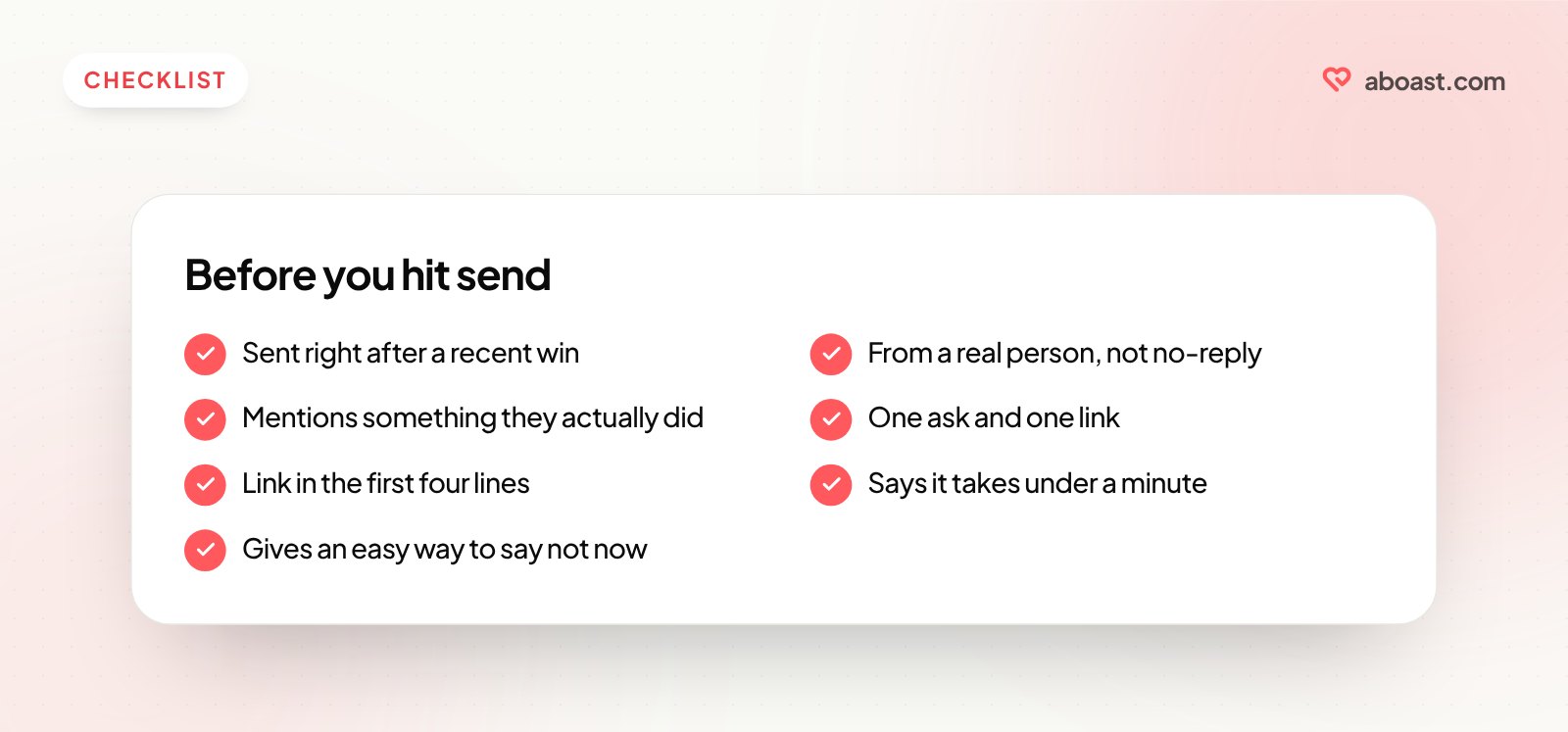
- Asking for too much at once. "Leave a review on G2, fill out our NPS survey, and share on LinkedIn" — pick one.
- Sending from a no-reply address. It signals the relationship is one-directional. Send from a real person's email.
- Burying the link. If the CTA isn't in the first four lines, many people won't scroll to find it.
- Vague asks like "share your thoughts." Customers don't know what format you want, how long it should be, or where it'll end up. Ambiguity = inaction.
- Sending to your entire user base at once. Target customers who've had a recent win, not everyone who ever signed up.
Every one of these mistakes adds friction. Not the obvious kind — the kind that makes someone feel vaguely uneasy about clicking, and so they don't.
If you're thinking about where testimonials fit in your broader social proof strategy, read where to put testimonials on your landing page and video vs text testimonials.
Put It Together and Ship It
The difference between a testimonial request email that gets ignored and one that gets a reply isn't charm or copywriting talent. It's removing every unnecessary step between "I'm happy with this product" and "I said something about it." Right timing. Personal subject line. Short body. One specific ask. A form that takes a minute to complete. One follow-up.
That's the whole system. It's not complicated — it's just rarely done with this level of care. Most founders send one generic email, get almost nothing back, and conclude that customers don't want to leave testimonials. They do. They just don't want to work for it.
If you want to run this system without stitching together five tools, aboast handles the collection page, the testimonial inbox and the widgets that put them on your site — so the only thing you have to write is the email.